Top AI Trending Prompts for ChatGPT in 2026
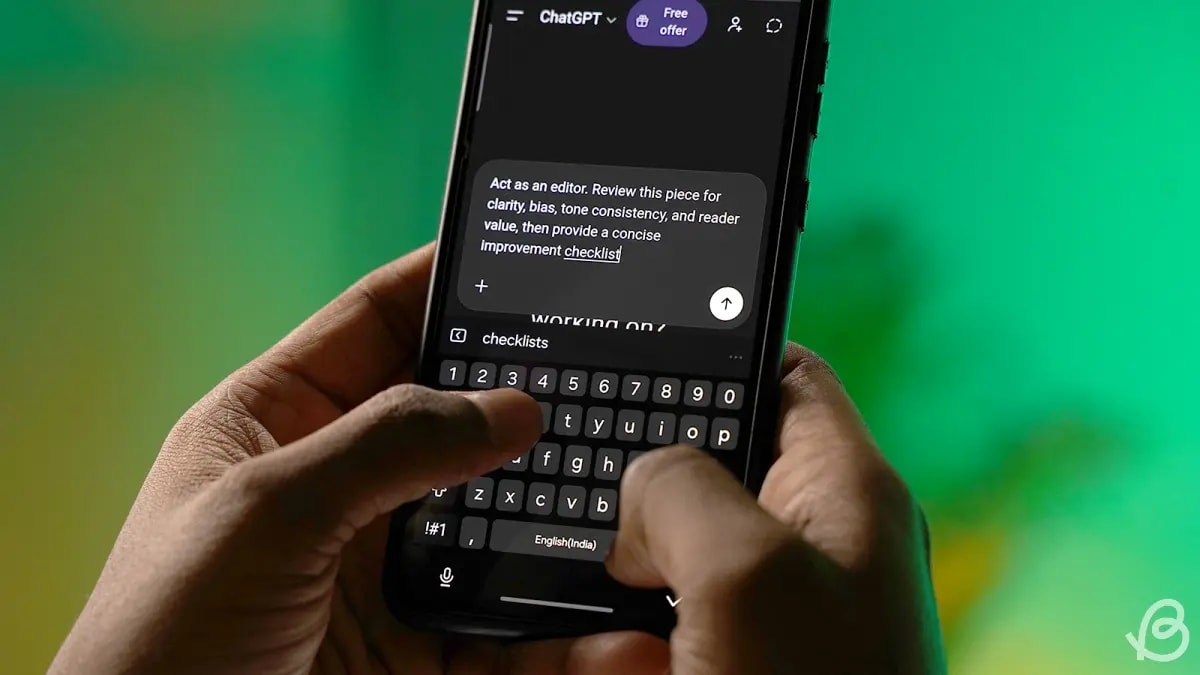
As AI models become more capable of "agentic" reasoning, the art of prompting has shifted. It's no longer about tricking the model; it's about orchestrating thought.
We've analyzed thousands of conversations from the developer and power-user communities to bring you the top trending prompt structures for 2026.
1. The "Chain of Thought" Architect
Instead of asking for a quick answer, users are forcing models to outline their logic first. This reduces hallucinations dramatically.
"Think through this problem step-by-step. First, list your assumptions. Second, generate three possible approaches. Third, critique each approach for potential failure points. Finally, select the best approach and execute it. The problem is: [Insert Problem]"
2. The "Full-Stack" Coder
With DeepSeek V4 and GPT-5, one-shot coding prompts are becoming standard. The key is specifying the file structure upfront.
"Act as a Senior Frontend React Developer. I need you to build a component that [Function].
Constraints:
- Use Tailwind CSS
- Use TypeScript
- Mobile-first design
Output the full code for the component file including valid imports."
3. The "Devil's Advocate" / Critic
Users are using AI to stress-test their own ideas rather than just generate new ones.
"I am going to pitch you a business idea: [Idea]. I want you to act as a skeptical venture capitalist. Tear my idea apart. Find the holes in my logic, the market risks I haven't seen, and the technical bottlenecks. Be ruthless."
4. The "Socratic Tutor"
Perfect for learning complex topics without just getting the answer handed to you. This prompt forces the AI to check your understanding.
"I want to learn about [Topic]. Act as a Socratic tutor. Do not lecture me. Instead, ask me a probing question to gauge my current understanding. Based on my answer, ask the next question to guide me toward the correct concept. One question at a time."
5. The "Decision Matrix" Builder
When you're paralyzed by choice, use this prompt to force a quantitative analysis of qualitative options.
"I am trying to decide between [Option A], [Option B], and [Option C]. Create a decision matrix. First, help me brainstorm 5 weighted criteria for this decision (e.g., Cost, Time, Risk). Then, score each option against these criteria on a scale of 1-10 and calculate the weighted total. Explain the winner."
6. The "Prompt Refiner" (Meta-Prompt)
Use the AI to improve your own prompts. This is the ultimate 'teach a man to fish' tool.
"I have a draft prompt: '[Insert Draft]'. Critique this prompt. Does it give enough context? Is the goal clear? Then, rewrite it to be more precise, using best practices like persona adoption and chain-of-thought instructions."
7. The "Style Mimic"
Move beyond generic "professional tone" by providing the AI with a concrete sample to emulate.
"Analyze the writing style of the following text (tone, sentence structure, vocabulary complexity): '[Paste Sample]'. Now, rewrite the following content to match that exact style, ensuring you capture the specific nuance of [Specific Emotion/Vibe]."
8. The "System Simulator"
Turn ChatGPT into a specific environment, like a Linux terminal or a Python interpreter, to test commands safely.
"Act as a Linux terminal. I will type commands and you will reply with what the terminal should show. I want you to only reply with the terminal output inside one unique code block, and nothing else. do not write explanations. My first command is pwd."
9. The "Meeting Synthesizer"
Turn a raw, messy transcript into immediate action items and owners.
"Here is a transcript of a meeting: '[Paste Transcript]'. Extract the following: 1) Key Decisions Made (Bullet points). 2) Action Items (Format: Who - What - By When). 3) Unresolved Questions that need follow-up."
10. The "Data Scientist"
Even without uploading a file, you can simulate sophisticated data analysis on pasted text data.
"I am pasting a list of customer reviews below. Perform a sentiment analysis. Group the feedback into 3 main themes. For each theme, provide the percentage of positive vs. negative sentiment and quote one representative review. Data: '[Paste Data]'"
Mastering these patterns allows you to move from "chatting" with AI to using it as a sophisticated reasoning engine.